
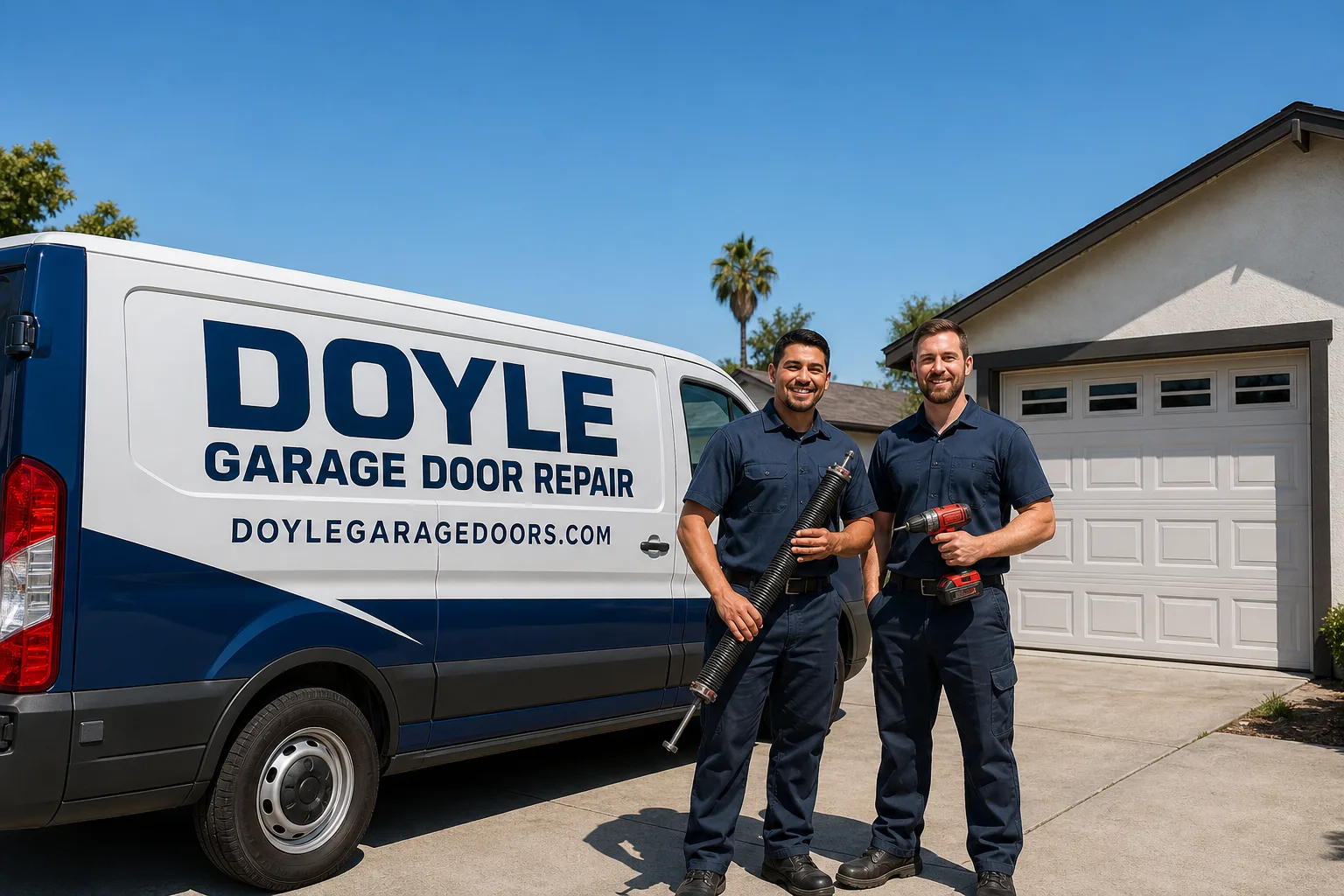
Full 25-point door and opener safety check with every visit - springs, cables, rollers, tracks, and your LiftMaster or Chamberlain opener included
You get a price before we start. It does not change when the truck arrives.
 Before
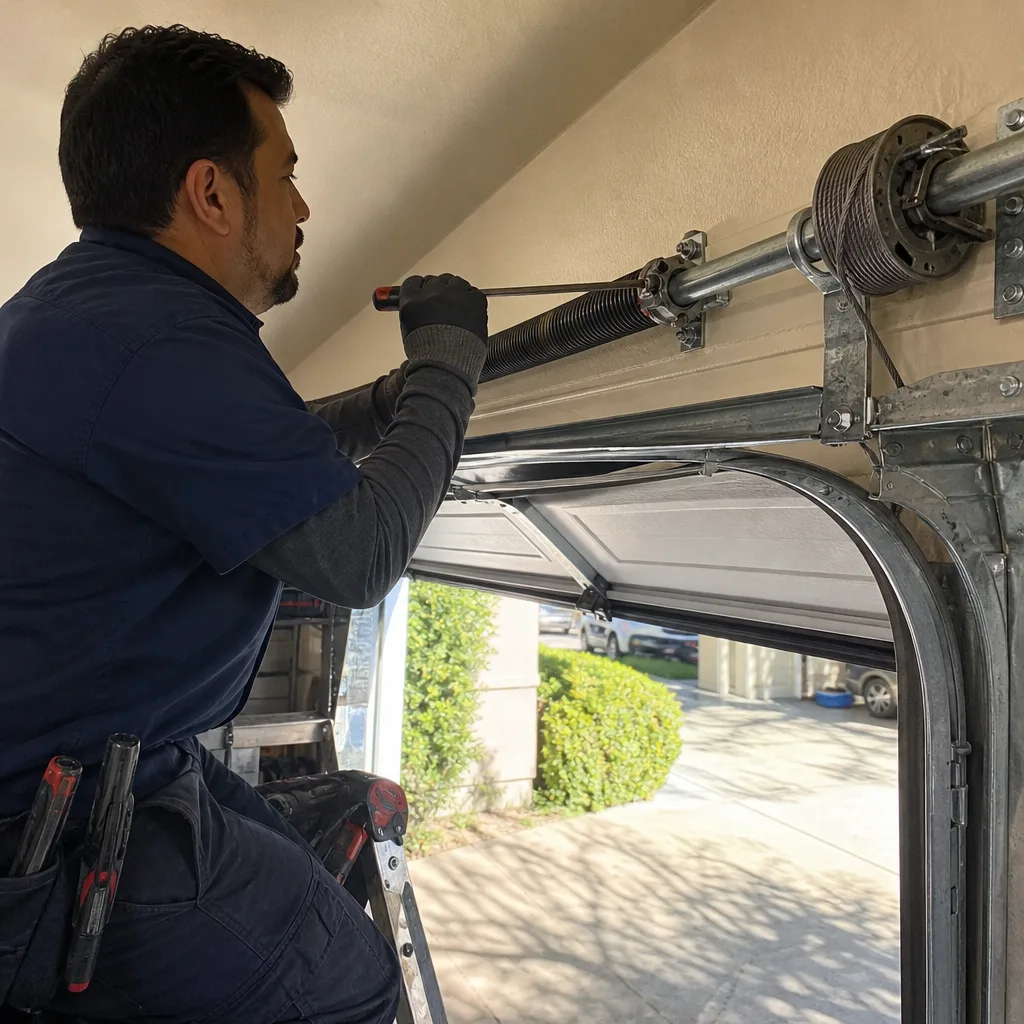 After
After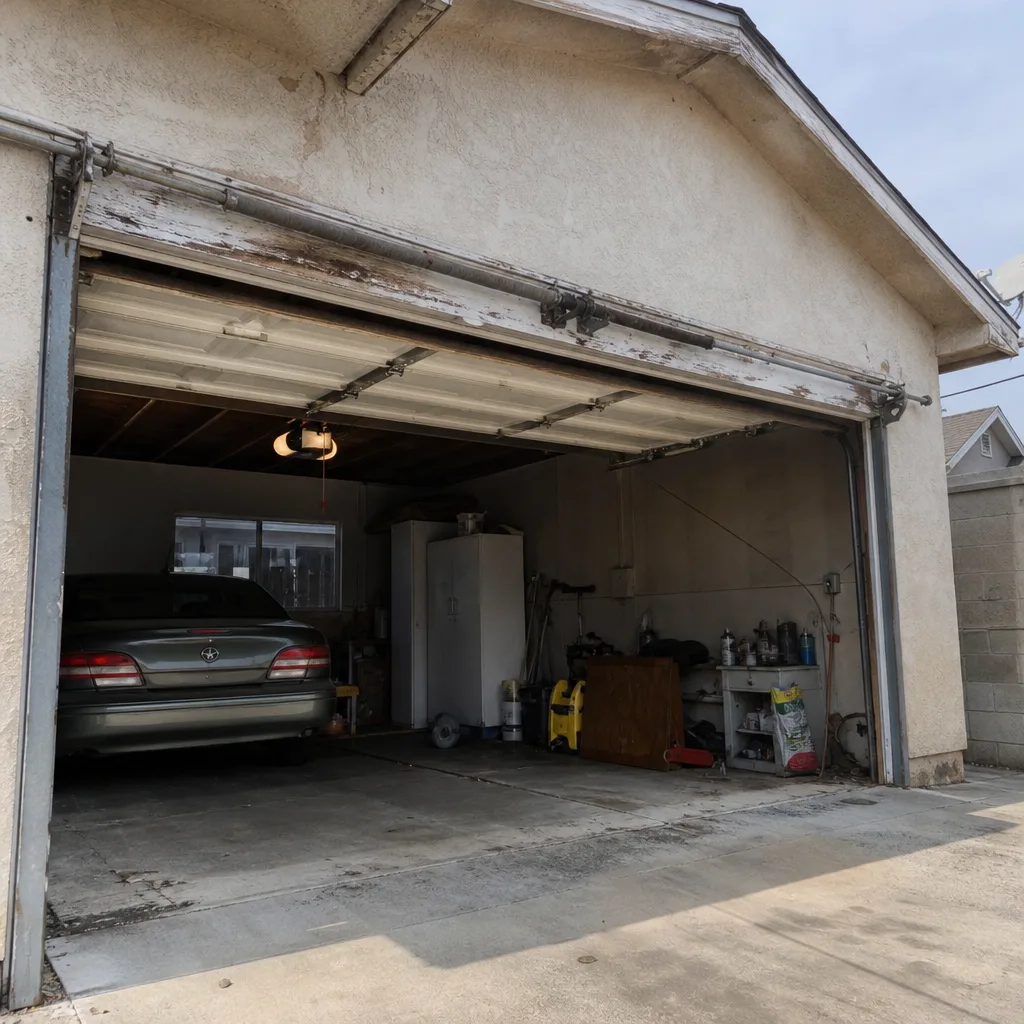 Before
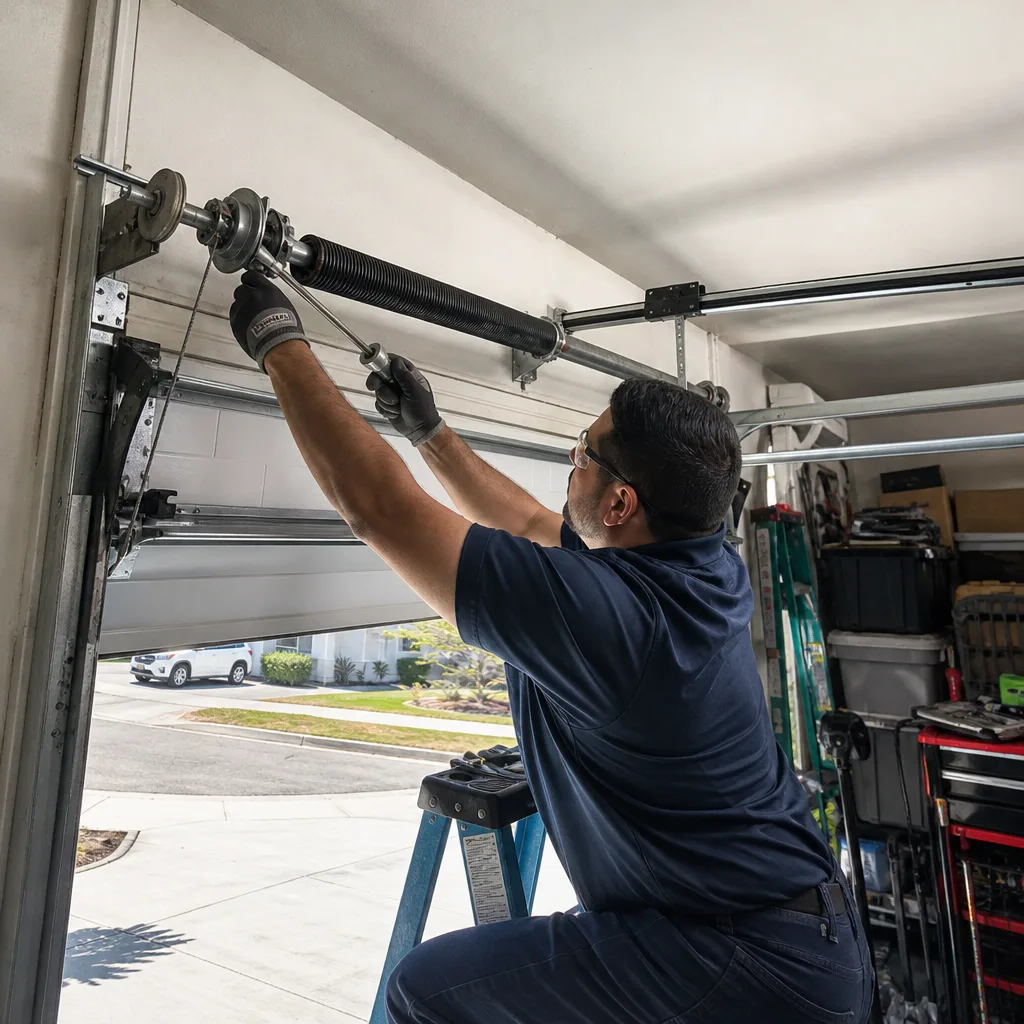 After
After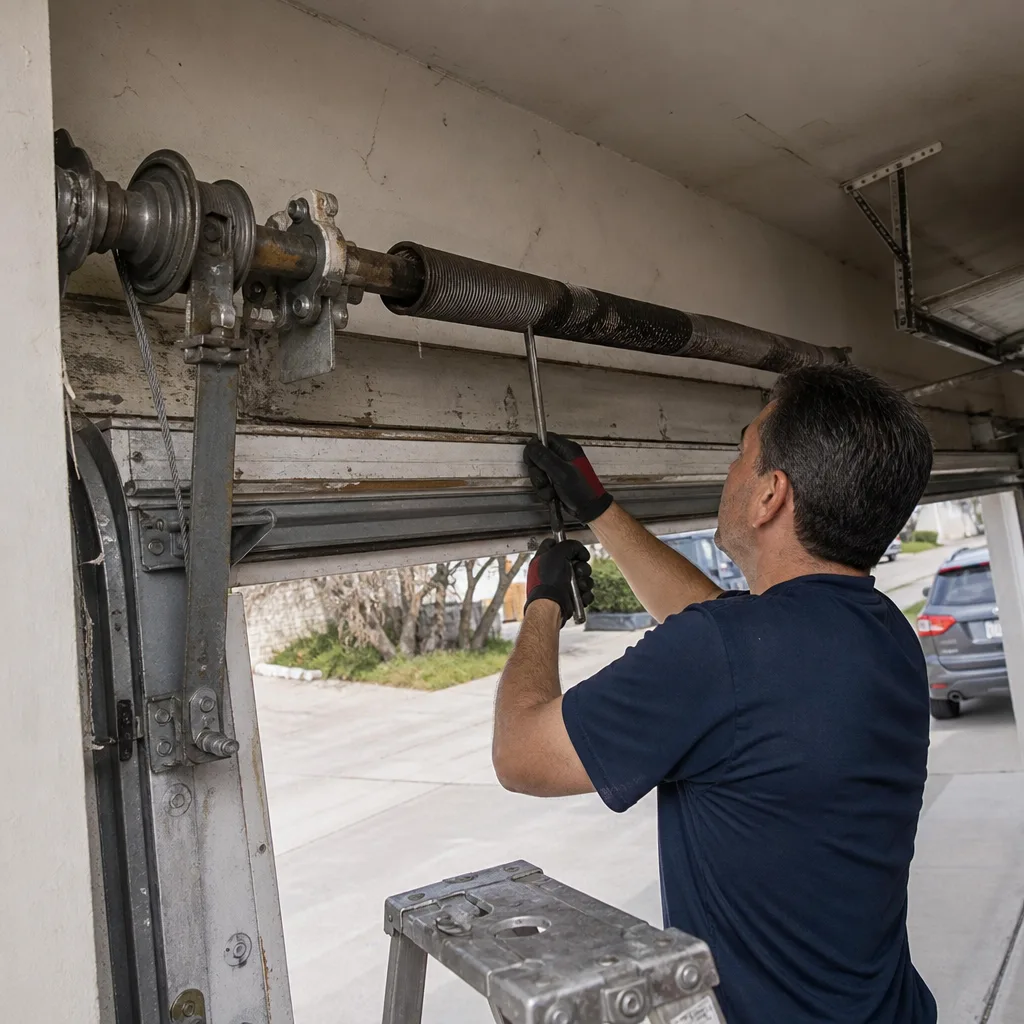 Before
 After
AfterGarage Door Remote Stopped Working
When your garage door remote stops working, the cause is almost always one of four things: a dead battery, a signal that got cleared from the opener’s memory, a faulty remote, or a problem with the opener’s receiver itself. Most of the time, a technician can diagnose and fix the issue in a single visit.
The tricky part is figuring out which one you’re dealing with, because the symptom looks identical no matter the cause: you press the button, nothing happens. Sometimes the opener itself is completely fine – the remote is just the messenger that stopped showing up. Other times the remote is working perfectly and the opener’s receiver board has failed. Running through a quick set of checks before anyone arrives can save time and help your technician arrive with the right parts.
Why It Happens
Dead or Weak Battery
This is the most common reason a remote stops working, and it’s easy to rule in or out. If the remote has a small indicator light, press the button and watch it – a dim or absent light points to a battery that’s spent. Most remotes use a CR2032 coin cell or a 9V battery, both available at any hardware store. Replace it, test it from close range, and you’ll know within thirty seconds whether that was the culprit.
Remote Cleared from the Opener’s Memory
Garage door openers store a list of authorized remotes. That list can be wiped accidentally – usually when someone presses the “learn” button on the opener unit for too long, or after a power surge scrambles the opener’s memory. If your wall button still opens the door but your remote does not, a memory wipe is a strong candidate. The fix is reprogramming the remote to the opener, which takes a few minutes once you know the make and model of your unit.
Faulty or Damaged Remote
Remotes take a beating: dropped on concrete, run over in a car, left in a hot glove compartment for years. The internal circuit board can crack or corrode without showing any outward damage. A good test is borrowing a second remote for your opener model (if you have one) or using the keypad on your wall – if those work and the remote doesn’t, the remote itself has failed. At that point, reprogramming won’t help; the remote needs to be replaced.
Failed Receiver or Logic Board in the Opener
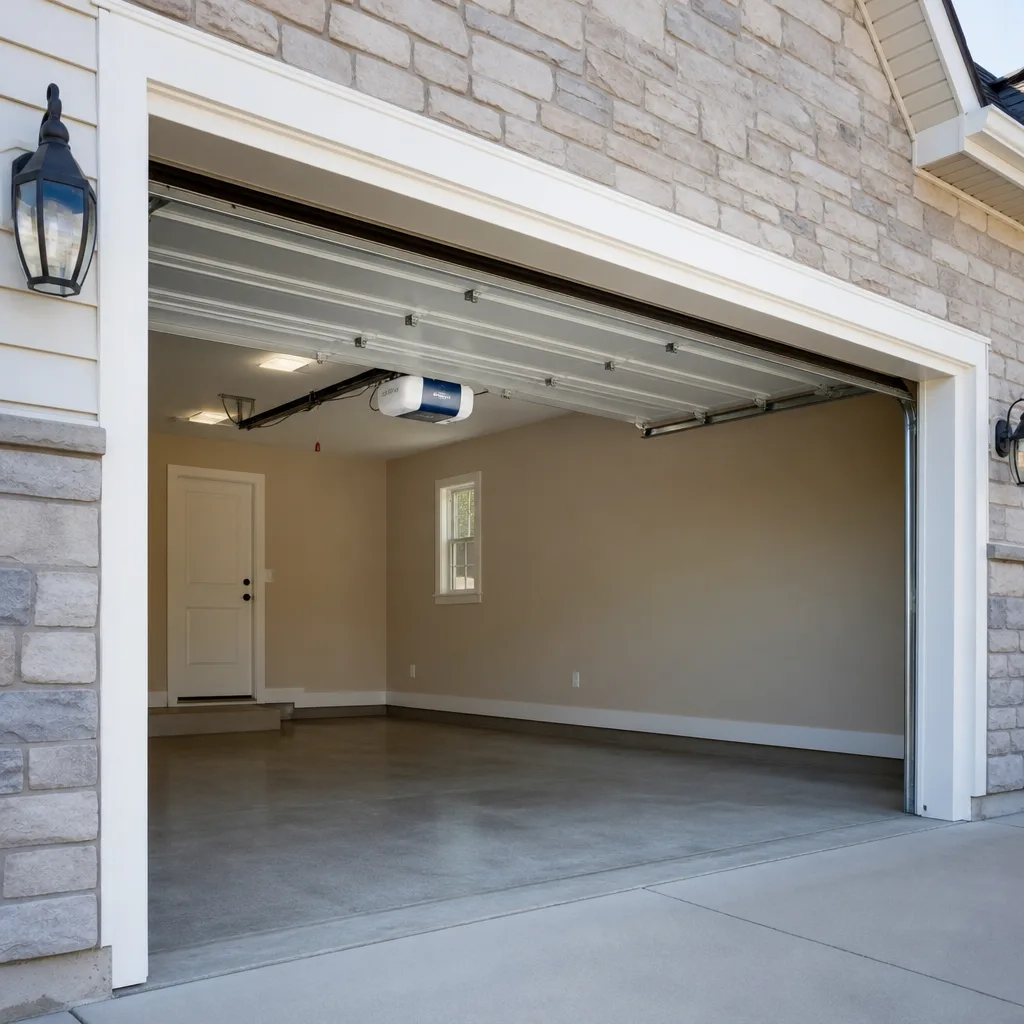
The opener unit has a receiver that listens for the radio signal from your remote. If that receiver fails – due to age, a lightning strike, or a power surge – no remote will work, and neither will a keypad. The clearest sign is that the wall button still operates the door but every wireless device has gone silent. This is a component-level repair or, depending on the opener’s age, a reason to consider a full opener replacement. A technician will test the receiver directly before recommending anything.
What to Do Right Now
- Test the wall button first. Go inside and press the wall-mounted button near the door. If the door opens, your opener motor is fine – the problem is isolated to the remote or its signal path. If nothing happens from the wall button either, the opener itself may have lost power or failed.
- Check the opener’s power. Look at the opener unit on the ceiling – is the light on? Check that it’s plugged in and that the outlet is live. A tripped GFCI or a blown fuse on that circuit will kill the opener entirely.
- Replace the remote battery. Even if the remote seems to have power, swap in a fresh battery before assuming anything bigger is wrong. Use the battery size printed inside the remote’s battery compartment.
- Test from different distances. A weak battery or a damaged antenna wire on the opener can reduce range dramatically. Try the remote from two feet away from the opener unit. If it works at close range but not from the driveway, range is the symptom to report.
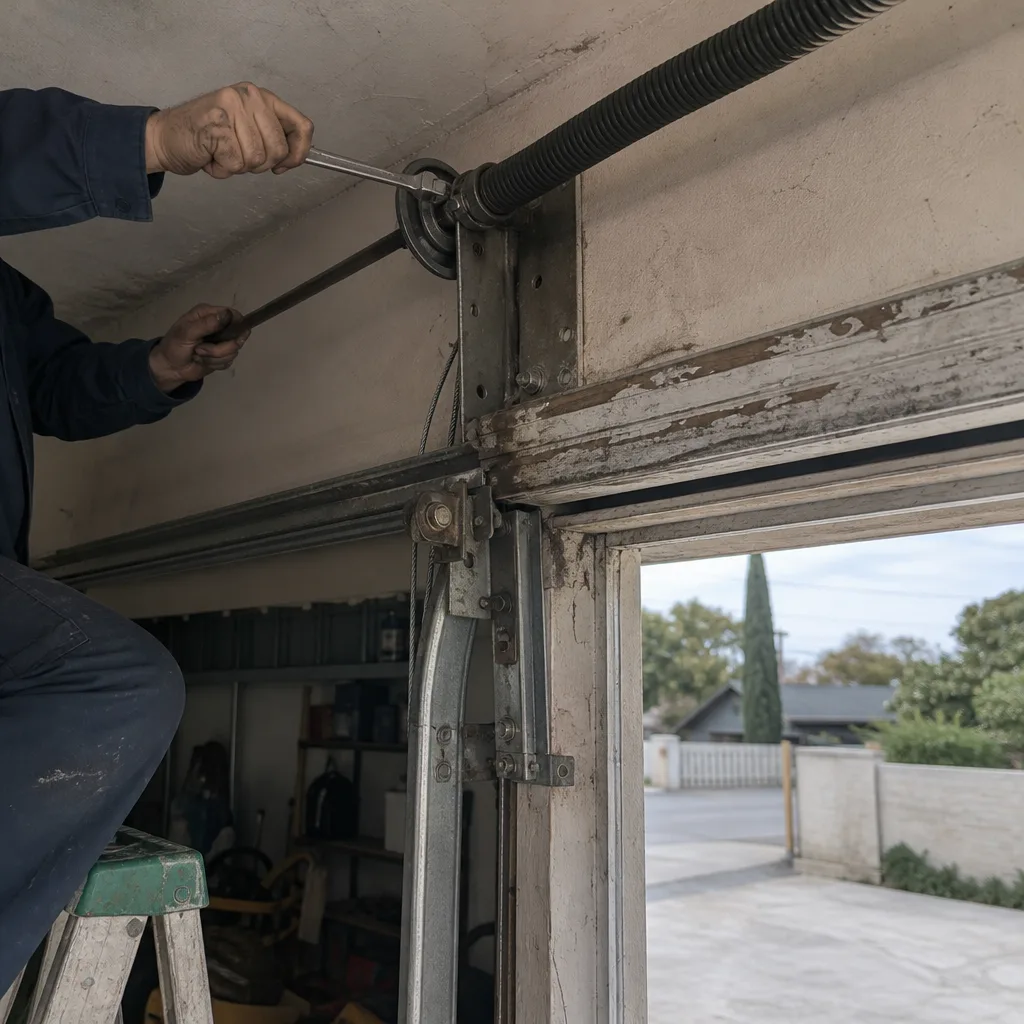
- Don’t force the door manually if you’re unsure of its condition. If the opener is unresponsive and you pull the red emergency release cord to operate the door by hand, be careful. A door with a broken spring is very heavy and can drop without warning. If you feel unusual resistance or the door won’t stay up on its own, stop, step back, and call. Torsion springs and cables are under extreme tension – do not touch them.
How We Fix It
When your local Doyle Garage Door Repair technician arrives, the first thing they do is a systematic diagnostic – wall button, wireless devices, signal test, and a visual inspection of the opener unit. That takes about fifteen minutes and almost always pinpoints the cause precisely.
If it’s a programming issue, they’ll sync your remote to the opener on the spot. If the remote has failed, they carry replacement remotes compatible with LiftMaster, Chamberlain, Genie, Craftsman, and other major brands. If the receiver or logic board has failed, they’ll walk you through the repair or replacement options under our garage door opener repair service.
Before any part is ordered or any work begins, you’ll receive a written price – exact, agreed upon, and handed to you in writing. No verbal estimates, no surprise invoice. The job is also covered by our 365-Day Done Right Promise: if the repair doesn’t hold, we come back and make it right at no charge. Most remote-related repairs are resolved in a single visit, typically under an hour.
Frequently Asked Questions
In most cases, no – it’s an inconvenience, not a safety hazard. The danger only enters the picture if you start manually handling the door and discover a separate problem, like a broken spring or a frayed cable, that you weren’t aware of. If the door feels unusually heavy when you try to lift it manually, or if it won’t stay open on its own, stop using it immediately and call (910) 858-8029. Broken springs and snapped cables are genuinely dangerous to handle without training and proper tools.
Sometimes, yes. Most openers have a “learn” button on the motor unit, and the manufacturer’s instructions walk you through a basic sync. If reprogramming solves it, great – you’re done. If you’ve followed the steps correctly and the remote still won’t pair, there’s likely a deeper issue: a failed receiver, a corrupted memory chip, or a remote that’s physically broken. That’s when it’s worth having a technician test the system properly rather than guessing.
Call us at (910) 858-8029 and a real person will pick up – not a voicemail, not a callback form. Your local Doyle Garage Door Repair team will find the earliest available slot and get a technician out to you. We answer live 24 hours a day, 7 days a week, including weekends and holidays, so you’re never stuck leaving a message and hoping someone calls back.
No. The price is written down and handed to you before a single bolt is turned – that’s the commitment on every job, every time. If the diagnosis reveals something different from what was expected, the technician explains it and gives you a revised written price before proceeding. You decide whether to move forward. There’s no pressure and no invoice that appears larger than what you agreed to.
Get It Fixed
Call (910) 858-8029 – a real person answers 24/7. Your local Doyle Garage Door Repair team will diagnose the problem, give you a written price before any work starts, and get your remote working again. Book online or call now to schedule your visit.
Written by Aaron Teague, Owner & Lead Technician, Doyle Garage Door Repair, a Threshold Group company serving communities nationwide since 2001.
What Our Customers Say
"Wall button quit working and the remote was flaky too. He reprogrammed the opener and replaced the button. Short visit, no upsell."
- Nate C."New door installed after a delivery truck clipped our old one. Three panels, new hardware, and the install crew was neat and on time. Looks like it came with the house."
- Tyler B."Honestly the careful way he checked in at the door and explained each step made the whole thing easy. Door works great and the price matched the estimate."
- Irene J.